
Why a Receive-First Approach Makes Sense for M17 Digital Voice
M17 digital voice is one of the more interesting developments in amateur VHF/UHF operating because it is built around openness: an open protocol, open tools, and the low-bitrate Codec2 speech codec. For hams who are used to FM repeaters, DMR, D-STAR, or System Fusion, M17 is worth understanding—but it should not be approached by guessing at software builds, radio firmware, or repeater settings.
A receive-first path is the safest way to evaluate it. You can learn what M17 signals look like, determine whether there is local activity, understand your decoding chain, and follow the status of radio firmware before putting any RF on the air. That matters because M17-related tools are still evolving, and some hardware or firmware combinations may be experimental, receive-only, or not suitable for casual transmitting.
The M17 Project’s October 2026 update on Codec2 neural enhancement, its project site, the OpenRTX repository, and tools such as Refcheck provide a practical starting point. The goal is not to promise instant contacts. The goal is to help you evaluate open digital voice in a careful, legal, technically informed way.
What M17 Is—and What It Is Not
M17 is a digital voice mode intended for amateur radio use, especially on VHF and UHF channels where FM and repeater operation are common. It uses digital modulation and Codec2 speech coding rather than analog FM audio. In practical terms, your transmitted speech is encoded into a digital bitstream, modulated onto RF, received by another station or repeater, and decoded back into audio.
The important distinction is that M17 is not merely “another programming codeplug” for an established commercial digital voice system. Its appeal is the open technical stack. That openness allows inspection, experimentation, and community development, but it also means beginners should pay close attention to version status, hardware support, and current documentation.
Do not assume that a radio advertised for one digital voice mode can automatically run M17. Do not assume that an experimental firmware build is suitable for your daily handheld. And do not assume that hearing a digital signal on a waterfall means it is legal or appropriate for you to transmit on that frequency. Technical capability and operating permission are separate issues.
Start by Finding Activity Before Building a Transmit Setup
The first question is simple: is there M17 activity you can actually hear from your station location? If the answer is no, you may still be able to learn using recordings, networks, reflectors, or lab setups, but you should not spend time modifying a radio before confirming your operating environment.
Check repeaters and local information
Begin with local repeater directories, club pages, and current frequency coordination information in your area. Then use Refcheck as one additional discovery tool. Treat all directory information as a lead, not as authority. Repeater modes, access methods, and operational status can change, and some systems are only intermittently active.
When reviewing a possible M17 repeater or gateway, note the following:
- Frequency pair and offset, if listed
- Whether the system is actually identified as M17-capable
- Whether it is RF-accessible, network-linked, experimental, or receive-only
- Any stated local usage expectations
- Whether the information appears current
If you are unsure, listen first and ask local operators before transmitting. Many repeaters are coordinated under local or regional band plans, and amateur operators are still responsible for staying within their license privileges, following FCC rules in the United States, and observing good operating practice.
Use your existing VHF/UHF station as a monitor
If you have an all-mode receiver, SDR, scanner, or wideband handheld that can monitor the frequency, start there. You do not need a transmit-capable M17 radio to answer the first question: is there a signal present?
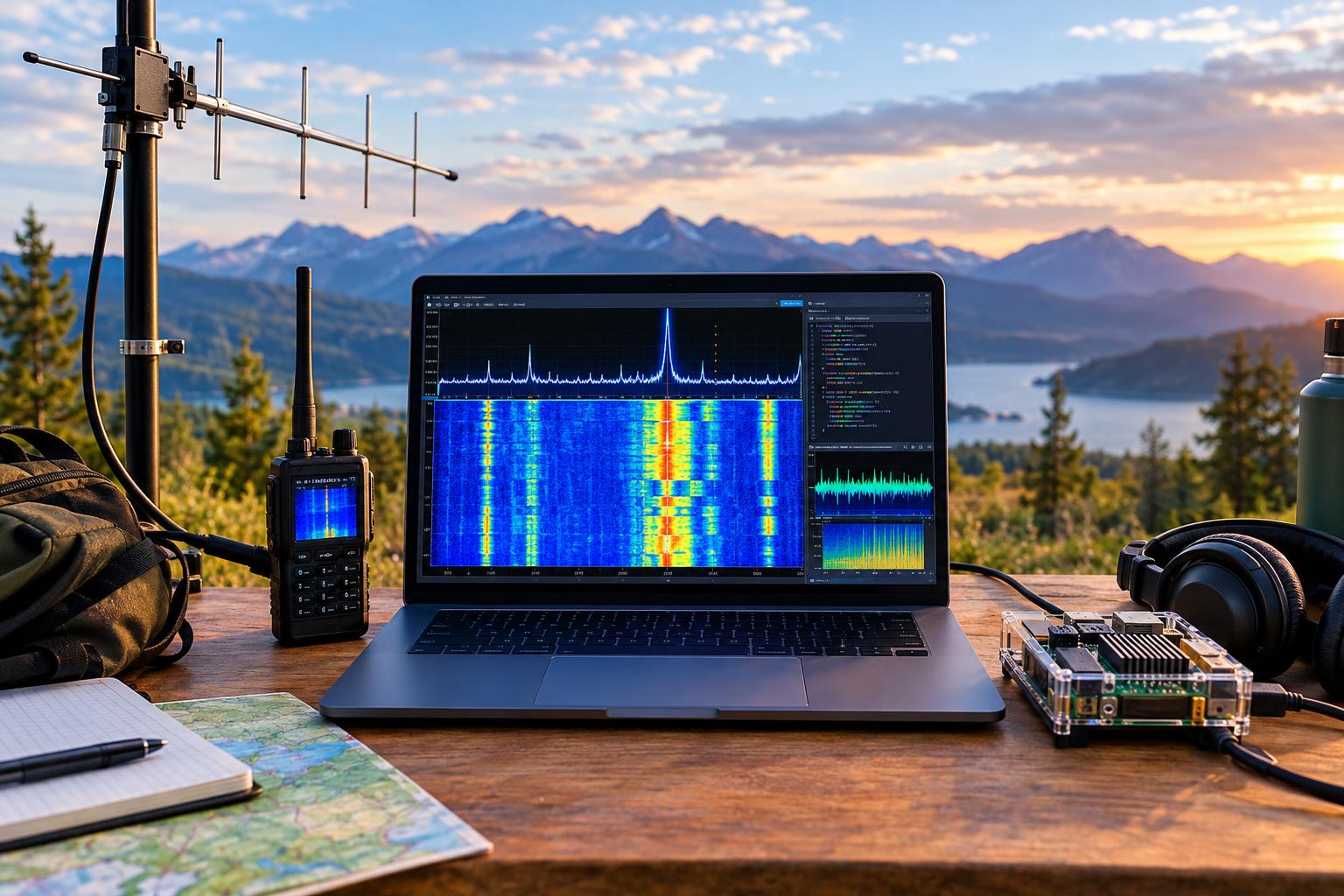
An inexpensive SDR receiver can be especially useful because you can see the channel visually. On a waterfall display, a digital voice signal will not look like analog FM speech. It will appear as a structured, channelized signal with consistent occupied bandwidth during transmission. You may not decode it immediately, but visual confirmation helps you distinguish silence, local interference, and actual digital activity.
A Practical Receive-First Test Plan
The following receive-first plan keeps the station simple and avoids unnecessary transmitting while you learn the mode.
Step 1: Build a stable receive chain
Use a suitable antenna for the band you are monitoring. For 2 meters, a simple outdoor vertical, attic ground-plane, or mobile whip near a window may be enough for strong local repeaters. For 70 centimeters, feed-line loss becomes more noticeable, so keep coax short where possible and use reasonable-quality cable.
Your basic chain can be:
- Antenna appropriate to the target band
- Coax and any needed adapters
- SDR receiver or communications receiver
- Computer with SDR software
- Optional decoding or analysis tools
Avoid overloading the SDR. If you are near strong FM broadcast, pager, public safety, or other high-power transmitters, front-end overload can create false signals and poor decoding. Band-pass filters or attenuation may help in difficult RF environments.
Step 2: Confirm frequency accuracy
Digital modes are less forgiving of sloppy tuning than casual FM monitoring. Calibrate your SDR frequency correction using a known local signal, such as a NOAA Weather Radio transmitter, a known repeater, or another stable reference. The point is not lab-grade precision; it is to avoid chasing decode problems caused by a receiver that is several parts per million off frequency.
Step 3: Observe before decoding
Spend time watching the waterfall during known local busy periods. Evenings, club net times, and weekend operating windows may reveal activity that is invisible during a quick daytime check. Log what you observe: date, time, frequency, signal strength estimate, and whether the signal is continuous, intermittent, or repeater-like.
Step 4: Try decoding only after the signal path is clean
Once you have a stable signal and reasonable frequency accuracy, move to M17-specific decoding tools or workflows recommended by current project documentation. Software names, command options, and supported platforms can change, so use current documentation rather than relying on an old forum post or video.
If decoding fails, do not immediately assume the mode is broken. Common causes include incorrect sample rate, wrong audio routing, excessive receiver filtering, too little signal, front-end overload, frequency error, or attempting to decode a signal that is not M17.
OpenRTX Status: Useful, Promising, and Worth Checking Carefully
OpenRTX is an open-source firmware project for supported amateur radio hardware. It is important in the M17 discussion because firmware is one path toward practical M17-capable handheld operation. However, open firmware should be treated with the same care you would give any experimental radio modification.
Before flashing firmware or relying on a handheld for M17 digital voice, check the repository directly. Look for supported radio models, current build status, open issues, installation instructions, and warnings. Hardware support is not universal, and support for a particular radio model does not automatically mean every feature is complete or suitable for transmitting.
Use this decision table before touching a radio:
- If your model is not clearly supported: do not flash it.
- If the documentation says a feature is experimental: treat it as experimental.
- If you need the radio for emergency, club, or daily analog use: do not risk your only working radio.
- If you cannot restore factory firmware: stop until you understand the recovery path.
- If you are not sure whether transmit behavior is correct: test only into a dummy load with appropriate attenuation and measurement equipment, or remain receive-only.
This is not meant to discourage experimentation. It is meant to keep experimentation responsible. A radio running development firmware is still a transmitter. Spurious emissions, incorrect deviation, wrong channel spacing, or improper operation can affect other users even when your intentions are good.
Codec2 and the Neural Audio Enhancement Question
M17 uses Codec2, an open low-bitrate speech codec associated with amateur digital voice experimentation. Low-bitrate codecs make tradeoffs. They are designed to carry intelligible speech using limited data rate, not to reproduce studio-quality audio. Under good conditions, a digital voice path can sound clean and consistent. Under marginal conditions, artifacts, dropouts, or robotic audio may appear.
The M17 Project’s October 13, 2026 post on Codec2 neural enhancer tests is relevant because it points to ongoing work on improving the perceived quality of Codec2-decoded speech. Neural enhancement generally means using a machine-learning-based process to improve or reconstruct aspects of decoded audio. That can make speech sound more natural in some cases, but it also raises practical questions for amateur use:
- How much processing power is required?
- Does it add noticeable latency?
- Does it improve intelligibility, naturalness, or both?
- How does it behave with noisy, clipped, accented, or weak-signal audio?
- Is it suitable for embedded radios, desktop software, or only demonstrations?
For a beginner or intermediate ham, the key takeaway is simple: neural audio work is promising, but it should not be confused with a requirement for trying M17. You can evaluate M17 digital voice today by focusing on RF reception, signal quality, decoding tools, and local activity. Audio enhancement is an area to watch, not a reason to postpone learning the basics.
What to Log During Your First M17 Monitoring Sessions
A simple station log will help you separate real observations from impressions. Record:
- Date and local time
- Band and frequency
- Receiver and antenna used
- Estimated signal strength or S-meter reading
- Whether the signal was direct, repeater, or unknown
- Whether decode succeeded
- Audio quality notes, without over-interpreting them
- Software and firmware versions, if applicable
A good note might read: “Monitored 70 cm listed M17 repeater output from home vertical. Signal visible on SDR waterfall during two short transmissions. Decode not attempted. Need frequency calibration and current decoder setup.” That is far more useful than “M17 doesn’t work here.”
Safe Bench Testing Before Any On-Air Transmission
If you eventually reach the point of transmitting, move slowly. First, confirm that you are licensed for the band and emission type, operating within your privileges, and following current FCC rules and local band plans. Then test into a dummy load, not an antenna.
A sensible bench setup includes a dummy load rated for the transmitter power, short coax jumpers, an SDR or service monitor with suitable attenuation, and conservative power settings. Never connect a transmitter directly to an SDR input without enough attenuation; many SDR receivers can be damaged by very small amounts of RF power. When in doubt, do not connect it.
RF exposure rules also apply. VHF and UHF handhelds are low power compared with many base stations, but antennas close to the body, elevated duty cycle, and higher-gain antennas can matter. Follow current FCC RF exposure requirements and manufacturer safety guidance.
Troubleshooting: Common Receive-First Problems
“I see a signal but cannot decode it.”
Check that it is actually M17, not another digital mode. Confirm receiver frequency correction, sample rate, bandwidth, and audio routing. Try a stronger signal if available.
“The waterfall looks messy everywhere.”
You may have SDR overload. Add attenuation, improve filtering, reduce gain, or try a different antenna location. Strong nearby transmitters can make weak-signal work misleading.
“OpenRTX supports my radio, so can I transmit?”
Not automatically. Read the current OpenRTX documentation and issue tracker. Confirm the exact model, revision, feature status, and recovery method.
“Will neural Codec2 enhancement make weak RF links work?”
Do not count on it. Audio enhancement may improve decoded speech characteristics, but it does not replace adequate RF signal quality, correct tuning, and reliable decoding.
Key Takeaways
- M17 digital voice is best approached as an open, evolving amateur radio mode rather than a plug-and-play appliance.
- Receive-first testing helps you confirm local activity and learn the signal chain without risking poor transmissions.
- SDR tools are valuable for observing frequency accuracy, signal presence, and RF problems before decoding.
- OpenRTX is important but must be checked at the source before flashing or transmitting.
- Codec2 neural audio work is promising, but basic RF and decoding discipline still come first.
FAQ
Do I need a special radio to listen for M17?
Not necessarily. You can begin with an SDR receiver or other suitable VHF/UHF receiving setup. Decoding may require M17-specific tools, but initial signal discovery can be receive-only.
Can I use any DMR handheld for M17?
No. Digital voice radios are not automatically interchangeable across modes. Some hardware may be usable with open firmware, but support depends on the exact model and current project status.
Is M17 only for repeaters?
No. Repeaters are one practical way to find activity, but M17 can also be explored through direct RF experiments and software-based workflows where legal and technically appropriate.
Where should I follow current M17 development?
Start with the M17 Project, the OpenRTX GitHub repository, and current repeater or mode listings such as Refcheck. Always verify details before transmitting.