
Meshtastic Ham Radio Mode: What It Changes—and What It Does Not
Meshtastic ham radio mode is best understood as a legal operating choice, not a magic range button. Meshtastic is a LoRa-based mesh messaging system. In the United States, many Meshtastic users operate in the 902-928 MHz ISM band under unlicensed FCC Part 15 rules. Licensed amateur radio operators may also experiment under Part 97 where amateur allocations apply, but the tradeoffs are important.
Under Part 97, amateur radio is for self-training, intercommunication, and technical investigation. It is not a private messaging service, a business tool, or an encrypted off-grid texting replacement. The major practical difference is this: if you operate your Meshtastic node as an amateur station, you must follow amateur rules, including identification and the prohibition on messages encoded for the purpose of obscuring their meaning.
That is why the phrase “set ham mode and kill encryption” matters. A Meshtastic node on ham frequencies should be configured so traffic is open, identifiable, and appropriate for amateur use. If your goal is private family messaging, business logistics, or encrypted tactical chat, ham mode is the wrong tool.
When Part 97 Helps—and When It Hurts
Ham mode can help when the goal is experimentation
Part 97 operation can be useful when a group of licensed hams wants to study LoRa propagation, compare antenna locations, build a neighborhood emergency communications layer, or integrate Meshtastic thinking with APRS and packet-radio habits. Amateur operation encourages plain-language station identification, open technical learning, and shared improvement.
It can also help remove ambiguity for ham-only exercises. Everyone knows the network is amateur radio, not a private consumer service. That makes it easier to keep traffic clean: call signs, test messages, tactical labels used responsibly, and no confidential content.
Ham mode can hurt when privacy or mixed licensing is required
Part 97 is a poor fit for private messages. FCC rules prohibit amateur stations from transmitting messages encoded for the purpose of obscuring their meaning, with narrow exceptions that do not make ordinary encrypted chat acceptable. The rule appears in 47 CFR §97.113.
Ham mode also complicates mixed groups. If your neighborhood mesh includes unlicensed family members, CERT volunteers without amateur licenses, or people who only want a simple text device, keep their transmitting devices out of amateur operation. They may use legal non-amateur services where permitted, but they should not transmit on amateur frequencies unless properly licensed and operating under the rules.
Step 1: Decide Whether This Node Is Part 15 or Part 97
Before touching a menu, decide the operating basis for each node. Do not mix assumptions.
- Use Part 15-style operation when you need normal Meshtastic encrypted channels, non-ham participants, or consumer-style messaging within device and regulatory limits.
- Use Part 97 amateur operation when licensed hams are intentionally experimenting, communicating openly, identifying properly, and avoiding prohibited content.
In the United States, the 902-928 MHz range overlaps the amateur 33-centimeter band, but amateur operators are not the only users there. Hams are secondary in portions of this spectrum and must avoid harmful interference to primary users. Local coordination, device certification issues, and international rules can differ. Always confirm current rules for your location and license privileges.
Step 2: Update and Review Your Meshtastic Settings
The Meshtastic documentation and Android user settings have been updated over time, so exact menu labels may vary by app version and firmware. The current starting point is the Meshtastic radio settings documentation at Meshtastic Radio Settings. The Android user radio settings source is also available in the Meshtastic project at Meshtastic Android radio user settings.
Use those sources as the current reference, but apply the legal logic consistently: if the node is being used as an amateur station, configure it so it does not obscure the meaning of messages and so station identification is practical.
Step 3: Put Your Call Sign Where It Belongs
Part 97 station identification is not optional. Amateur stations must transmit the assigned call sign at the end of a communication and at least every 10 minutes during a communication, as described in 47 CFR §97.119.
For Meshtastic, a practical approach is to set your node’s long name and short name to include your FCC call sign where the software allows. For example, a long name might be “KJ4ABC Porch Node” and a short name might be “KJ4ABC” or a shortened form that still supports clear identification where possible. If a field is too short for your full call sign, do not assume that a truncated label satisfies the rule by itself. Send plain-text identifying messages as needed and review how your node actually appears to other stations.
This is especially important for unattended or semi-unattended nodes. A hilltop, attic, or porch node that retransmits traffic is still part of an amateur station. The control operator should understand what it transmits, how it identifies, and how to shut it down if necessary.
Step 4: Enable Licensed Amateur or Ham Mode
In current Meshtastic apps, the relevant setting is commonly presented as a licensed amateur or ham-radio-related user setting. The exact path may change, so look under radio configuration and user settings rather than relying on a stale screenshot or old forum post.
After enabling the amateur setting, restart or reboot the node if the app or firmware requires it. Then verify the actual behavior. Do not assume the checkbox alone made your whole configuration legal. Check the channel encryption state, user identification, region/frequency settings, and any shared channel QR codes or URLs that may reintroduce a private key.
Step 5: Disable Encryption on Every Amateur Channel
This is the step many operators miss. Meshtastic supports encrypted channels for normal non-amateur use. That is useful in the right service, but it conflicts with ordinary amateur operation because the purpose is to obscure meaning from other listeners.
For a ham mesh, review each channel and remove the pre-shared key or select the app’s equivalent of no encryption. If your group uses a channel QR code or shared configuration link, generate it only after encryption is disabled. A single old QR code can quietly put everyone back on an encrypted channel.
Use a simple verification procedure:
- Confirm the node shows amateur or licensed operation enabled.
- Confirm every amateur channel has encryption disabled or no PSK set.
- Confirm your call sign appears in the node identity where practical.
- Send a plain message such as “KJ4ABC test message from porch node.”
- Have another licensed operator confirm the message is readable and attributable.
Step 6: Choose Sensible Mesh Settings for a Neighborhood
A real neighborhood mesh is not built by turning every node into the loudest possible router. Good RF practice still matters. Start modestly and make one change at a time.
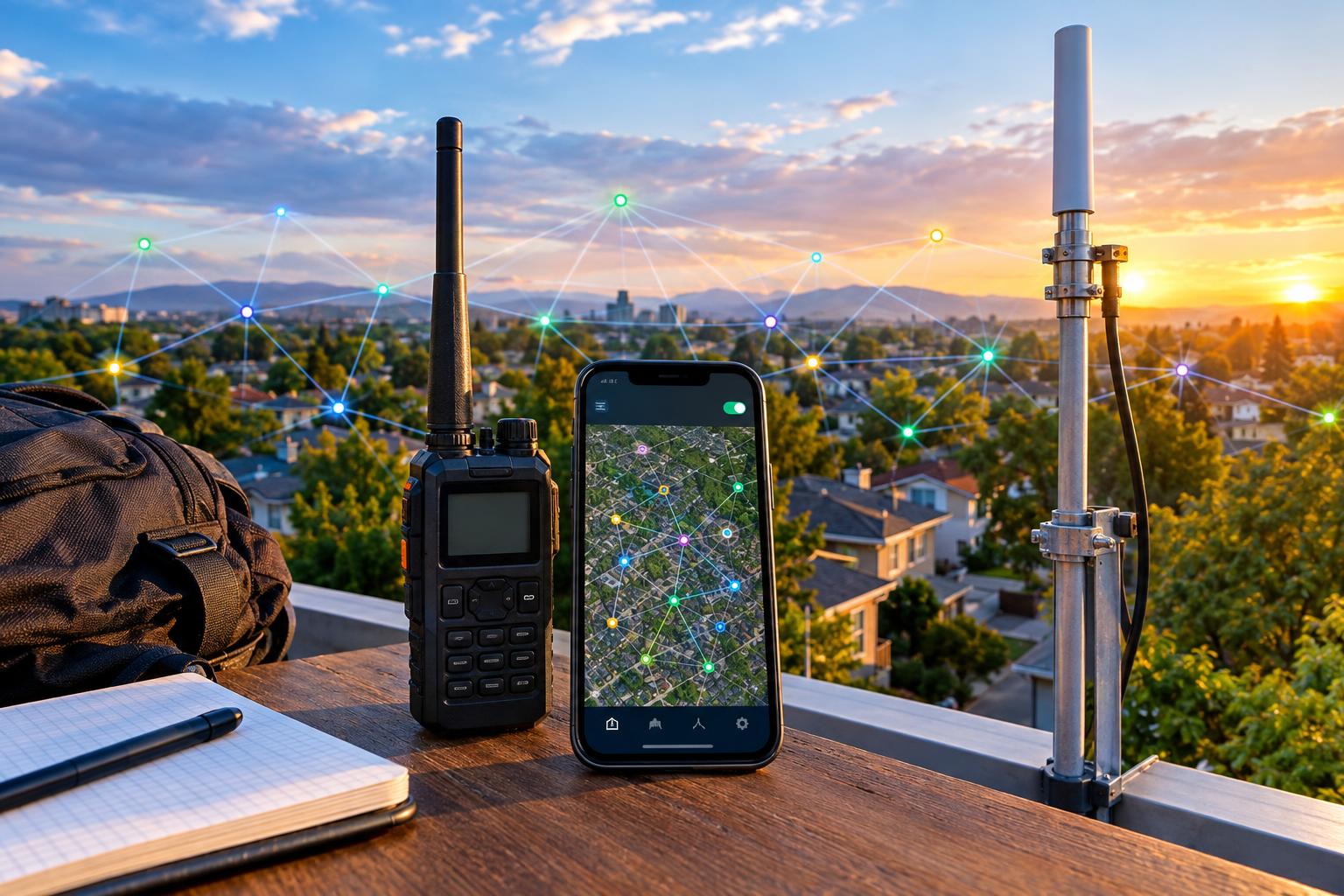
For a local test, place nodes where they can “see” the neighborhood: upstairs windows, porches, garages, or safe outdoor enclosures. Height usually matters more than raw transmit power. A small antenna at a better location may outperform a poor antenna buried behind appliances and foil-backed insulation.
Keep hop limits reasonable. Large hop counts can create unnecessary airtime and duplicate traffic. Avoid configuring every handheld node as infrastructure. If Meshtastic offers client, router, or repeater-style roles in your firmware, use infrastructure roles sparingly and only where a node is stable, powered, legal, and identifiable.
A Practical Neighborhood Mesh Test Plan
Here is a clean, repeatable test that does not claim any guaranteed range or performance.
1. Define the purpose
Example: “Three licensed operators will test whether homes on Oak Street, Pine Avenue, and the community center can exchange plain-text status messages using Meshtastic ham radio mode.”
2. Assign stations and locations
Use call signs, not nicknames alone. For example: KJ4ABC at home porch, N0XYZ at second-floor window, and W6QRS at the community center parking lot. If using temporary tactical labels such as “Shelter” or “Net Control,” pair them with call signs.
3. Standardize settings
All nodes should use the same region plan, compatible modem preset, same unencrypted channel, and clear call-sign identity. Do not change antennas, power, hop limit, and location all at once or you will not know what helped.
4. Send short, numbered test messages
Examples include “KJ4ABC test 001 porch,” “N0XYZ test 002 upstairs window,” and “W6QRS test 003 community center.” Keep messages brief. Record whether they were received directly or through another node if the app displays that information.
5. Try one improvement at a time
Move a node from a desk to a window. Then test. Raise an antenna a few feet. Then test. Change a modem preset only after recording the earlier result. This resembles good packet-radio troubleshooting: isolate variables, avoid guesswork, and document the network.
APRS, Packet Radio, and Meshtastic: Similar Habits, Different System
Meshtastic is not APRS, and a LoRa mesh is not a classic AX.25 packet network. Still, the operating culture overlaps. APRS and packet radio teach useful habits: identify clearly, avoid unnecessary beacons, use appropriate paths, and do not flood a shared channel.
If you experiment with gateways between Meshtastic and APRS or the internet, be especially careful. Do not blindly gate private, encrypted, third-party, or unidentified traffic into amateur systems. Make sure the content, identification, and control arrangements are legal and technically appropriate. A gateway is not just a convenience feature; it can become the point where a small configuration mistake is repeated widely.
Safety and Practical Caveats
LoRa nodes are usually low power, but station safety still applies. Use weatherproof enclosures outdoors, strain relief for cables, fused power leads where appropriate, and battery packs from reputable sources. Do not place lithium batteries in hot sealed boxes without considering temperature limits. For rooftop or mast-mounted antennas, follow safe ladder practices and keep all antennas away from power lines.
Amateur stations must also comply with applicable RF exposure requirements. A typical handheld LoRa node may be modest, but higher-gain antennas, elevated sites, amplifiers, or continuous operation deserve a proper review. Legal operation includes both the radio rules and basic electrical and outdoor safety.
Common Mistakes to Avoid
- Leaving encryption enabled: This is the biggest ham-mode error. If the message content is intentionally obscured, it is generally not appropriate for ordinary Part 97 operation.
- Using ham mode with non-ham transmitters: Every transmitting amateur station needs proper licensing and control.
- Assuming the node name is enough ID: Configure call-sign identity, but also understand the actual Part 97 identification requirement.
- Changing too many variables: Range testing becomes useless if you move the antenna, change power, change presets, and add routers at the same time.
- Treating emergency use as guaranteed: A mesh is a tool to test and maintain, not a promise of coverage when infrastructure fails.
FAQ
Can I use Meshtastic ham radio mode for private family messages?
No. If privacy is the goal, amateur radio is the wrong service. Use a legal non-amateur option that permits encryption and fits your situation.
Does ham mode automatically increase range?
Not by itself. Range depends on terrain, antenna placement, noise, device settings, and network design. Better height and cleaner paths often matter more than a menu setting.
Can I use my call sign as the node name?
Yes, and that is a good practice for amateur operation. However, you should still understand and meet the identification rule in §97.119.
Should every home node be a router?
Usually no. Too many infrastructure nodes can increase congestion. Start with a few well-placed, stable, identifiable nodes and expand only when testing shows a need.
Key Takeaways
- Meshtastic ham radio mode is for licensed amateur operation, not private encrypted chat.
- Disable encryption on every channel used under Part 97.
- Use your call sign clearly and follow the station identification rule.
- Test your neighborhood mesh with short, numbered, plain-text messages.
- Improve coverage methodically: location first, antenna second, settings last.
Used carefully, Meshtastic can be a useful amateur-radio experiment for local resilience, LoRa learning, and packet-style operating discipline. The best ham mesh is not the loudest or most complicated one. It is the one that is legal, understandable, maintainable, and tested by operators who know exactly what their nodes are transmitting.