
Join our Exclusive Ham Radio Newsletter
One of the most common FT8 frustrations sounds like this: I can decode plenty of stations, but nobody answers me. The waterfall is active, the decode window is filling, the radio changes to transmit, and yet the contact never happens. It is tempting to blame poor propagation, low power, or software bugs. Sometimes those are involved. More often, the problem is that receiving and transmitting are two different chains that only partly overlap.
A working receive path tells you that your antenna, feed line, receiver audio, computer sound input, software, and clock are at least close enough to decode other stations. It does not prove that your transmit audio is going to the correct device, that your radio is producing a clean digital signal, that you are transmitting in a clear audio slot, or that the station you are calling can hear you. The best way forward is to stop changing random settings and work through the transmit side in a deliberate order.
Start with timing. FT8 depends on 15-second transmit and receive periods that are aligned to UTC. If your computer clock is off by more than a modest amount, you may still see traces, but your transmissions can arrive too early or too late for reliable decoding. Check the DT values in your receive window. If many strong stations show large positive or negative time offsets, suspect your clock before you suspect the band. Use a reliable time-synchronization method appropriate for your operating situation, especially if you are on a laptop, portable station, or virtual machine.
Next confirm that the software is actually sending audio to the radio input you think it is using. Many modern transceivers present a USB audio device to the computer, and many computers also have speakers, microphones, monitors, webcams, and virtual audio devices. The wrong output device can make the software look normal while the radio receives no digital audio at all. In your FT8 program, check the selected audio output. Then verify at the radio that transmit audio is coming through the expected data or USB audio path, not through a front-panel microphone setting intended for voice.
Separate RF power from audio drive. This distinction matters. The RF power setting on the radio sets a target or limit for output. The audio level from the computer drives the transmitter toward that output. If the audio is too low, the radio may key but produce little or no RF. If the audio is too high, the radio may show excessive ALC, compression, distortion, splatter, or other signs of a poor digital signal. A conservative method is to set a reasonable RF output target, start with low computer audio, transmit into a suitable load or antenna system, and raise audio only until the desired stable output is reached. Avoid speech processing, aggressive equalization, and voice-mode enhancements for FT8.
Watch the radio meters, but interpret them carefully. A little movement on an ALC meter may mean different things on different radios, so the principle is more important than one universal reading: do not drive the transmitter like a loud voice signal. FT8 is a high-duty-cycle mode compared with casual SSB. Sustained operation can heat the final amplifier, tuner, power supply, common-mode choke, or compact antenna system. If you plan to call repeatedly, use power levels your equipment can handle, and give small stations time to cool if needed.
Now consider transmit placement. In FT8, your radio dial frequency and your audio offset combine to determine where your signal appears within the passband. You may be decoding a rare or attractive station because many people are calling it, but if you transmit directly on top of a dense cluster, your signal may collide with others. Before calling, look at the waterfall. Choose a relatively clear audio offset. Clear does not mean empty forever; it means you are not knowingly placing your signal inside an obvious pile of overlapping traces.
Do not confuse strong receive reports with proof that your signal should be strong somewhere else. FT8 reports are decode signal-to-noise estimates at the receiving station, not calibrated S-meter readings, and they are not symmetrical guarantees. You might hear a station well because of its antenna, power, low noise, or favorable path, while that station cannot decode you through its local noise, directional pattern, QRM, or pileup. If you call a distant station once or twice and get no response, that may be ordinary operating reality, not a station fault.
Check that the exchange sequence is valid. Auto-sequencing helps, but it should not be treated as an unattended operator. Confirm the destination call sign, message content, transmit period, and current state of the QSO before transmitting. If a report was missed, repeat the last necessary standard message rather than improvising. If the other station has moved on, or if you are unsure whether you are now calling the wrong station, abort cleanly and wait for a clearer opportunity. Failed QSOs are often made worse by operators who keep transmitting stale messages into a crowded passband.
If you still receive no replies, choose easier targets for a test. Instead of calling the weakest DX station in a pileup, answer a moderate or strong CQ from a station in a plausible propagation area. Try a less crowded portion of the passband. Try a different band that fits the time of day. On 20 meters, daytime and early evening paths may be productive depending on conditions; on 40 meters, evening and nighttime may be more realistic for many stations. Always stay within your license privileges and local band plans.
Inspect the antenna system and RF environment. FT8 can reveal problems that casual voice operation hides. RF feedback may cause USB dropouts, frozen CAT control, distorted transmit audio, or random computer behavior. Common-mode current on the feed line, poor cable layout, inadequate choking, or an unhappy tuner can all create symptoms that look like software trouble. If the station behaves normally at very low power but becomes unstable as power rises, suspect RF in the station before reinstalling software.
Finally, document a known-good baseline. Write down the radio mode, filter width, software audio devices, CAT port, PTT method, power target, typical audio level, and logging path that work. Change one variable at a time after that. When something breaks, you can return to a known state instead of rebuilding the whole station from memory.
The central lesson is simple: decoding FT8 proves only the receive half of the system. Successful contacts require accurate timing, correct transmit audio routing, clean drive levels, sensible RF power, clear placement, realistic propagation expectations, valid sequencing, and a station that remains stable under digital duty cycle. Work through those areas patiently and most unanswered-call problems become diagnosable rather than mysterious.
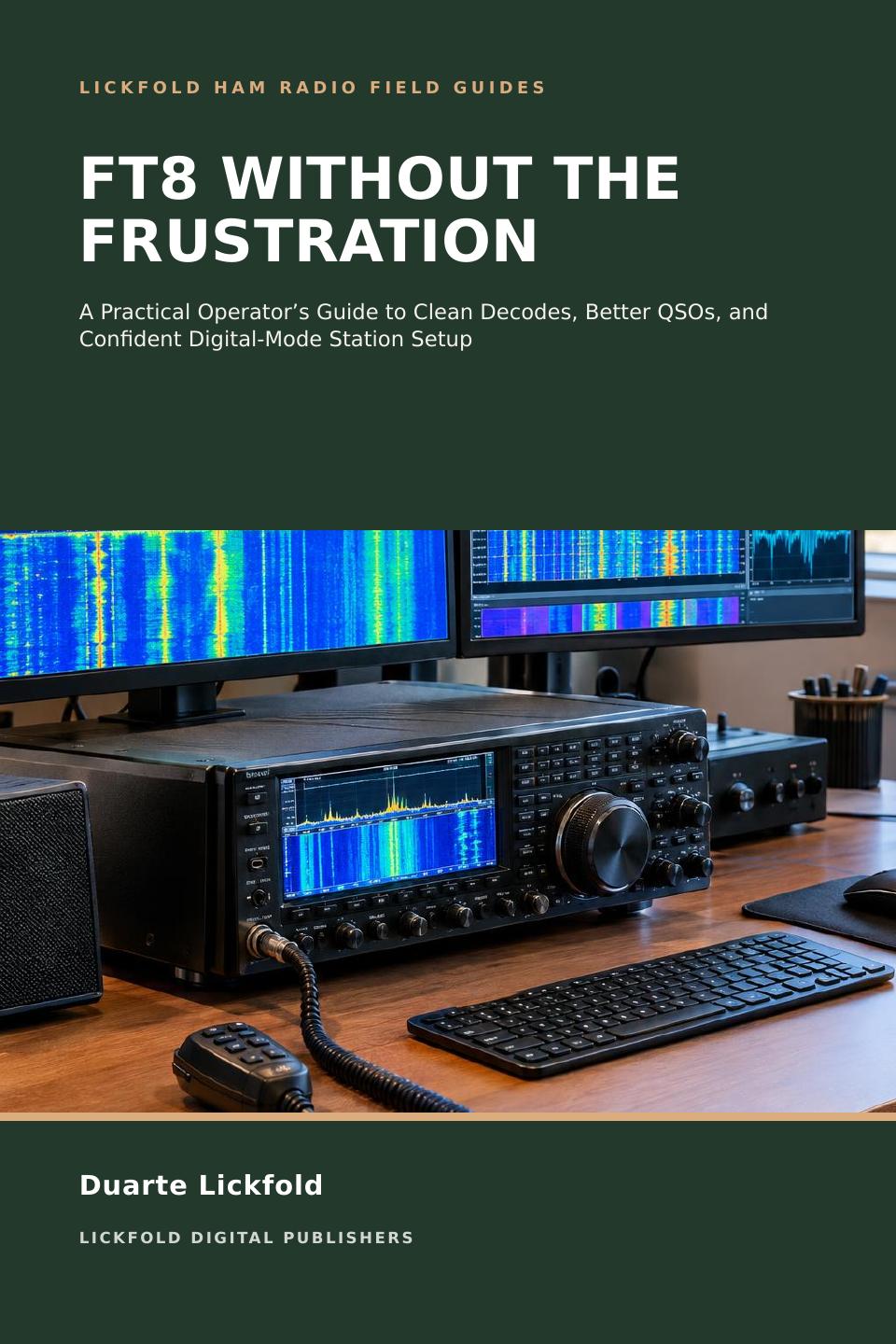
For operators who want a complete, practical treatment of this process, FT8 Without the Frustration by Duarte Lickfold expands this checklist into a full station-building and operating guide, covering setup, timing, transmit quality, QSOs, waterfall reading, logging, troubleshooting, and etiquette in one focused reference.
Explore the Book
Continue learning with FT8 Without the Frustration by Duarte Lickfold, published by Lickfold Digital Publishers.
Check our selection of Hamradio e-books
-

Worldwide DX under 5watts
$9.97 -

Portable Antennas That Pack Small
$9.97 -

Tame Your First HF Dipole
$9.97 -

Backyard Antennas for Tight Spaces
$9.97 -

First POTA Activation Playbook
$9.97 -
Copy CW Through Real Band Noise
$9.97 -
Reading the HF Sky
$9.97 -
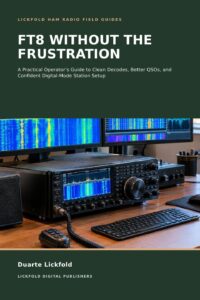
FT8 Without the Frustration
$9.97 -
Make Your Own RF Probe
$9.97 -
Sale!
Mastering APRS
Original price was: $59.99.$47.99Current price is: $47.99.
A Comprehensive Guide – ebook
⭐⭐⭐⭐⭐ -
Sale!
Mastering FT8
Original price was: $59.99.$47.99Current price is: $47.99.
A Comprehensive Guide to the Ultimate Digital Mode – ebook
⭐⭐⭐⭐⭐ -
Sale!

Stealth CB Antennas
Original price was: $59.99.$47.99Current price is: $47.99.
A Masterclass in Innovation and Disguise – ebook
⭐⭐⭐⭐⭐ -
Sale!
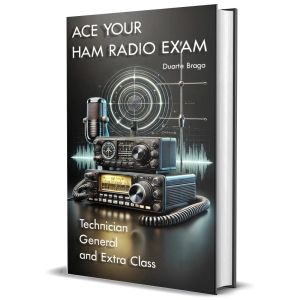
Ace Your Ham Radio Exam
Original price was: $59.99.$47.99Current price is: $47.99.
Technician, General, and Extra Class – ebook
⭐⭐⭐⭐⭐ -
Sale!
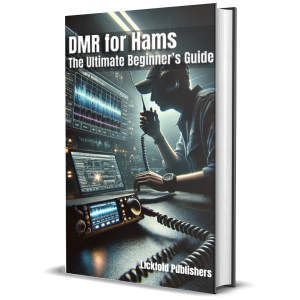
DMR for Hams
Original price was: $59.99.$47.99Current price is: $47.99.
The Ultimate Beginner’s Guide – ebook
⭐⭐⭐⭐⭐ -
Sale!
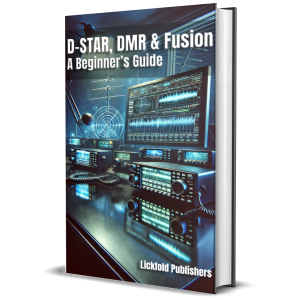
D-STAR, DMR & Fusion
Original price was: $59.99.$47.99Current price is: $47.99.
A Beginner’s Guide – ebook
⭐⭐⭐⭐⭐ -
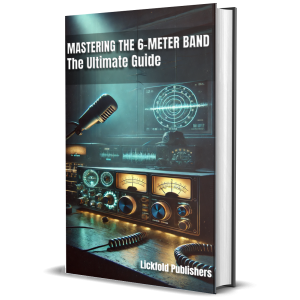
Mastering the 6-Meter Band
$47.99
The Ultimate Guide – ebook
⭐⭐⭐⭐⭐ -
Sale!
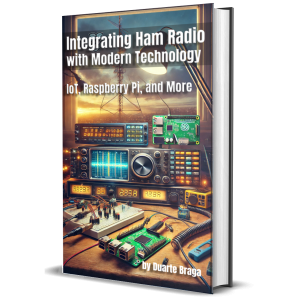
Integrating Ham Radio with Modern Technology
Original price was: $59.99.$47.99Current price is: $47.99.
IoT, Raspberry Pi, and More – ebook
⭐⭐⭐⭐⭐ -
Sale!
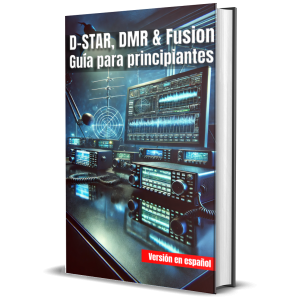
D-STAR, DMR & Fusion
Original price was: $59.99.$47.99Current price is: $47.99.
Guia para Principantes – ebook
⭐⭐⭐⭐⭐ -
Sale!
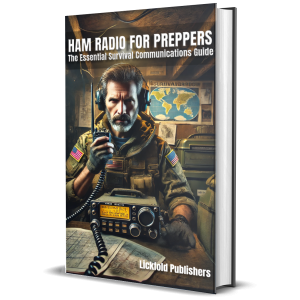
Ham Radio for Preppers
Original price was: $59.99.$47.99Current price is: $47.99.
The Essential Survival Communications Guide – ebook
⭐⭐⭐⭐⭐ -
Sale!

Mastering Marine Radio
Original price was: $59.99.$47.99Current price is: $47.99.
A Sailor’s Guide to Confident Communication – ebook
⭐⭐⭐⭐⭐

Enter shop